
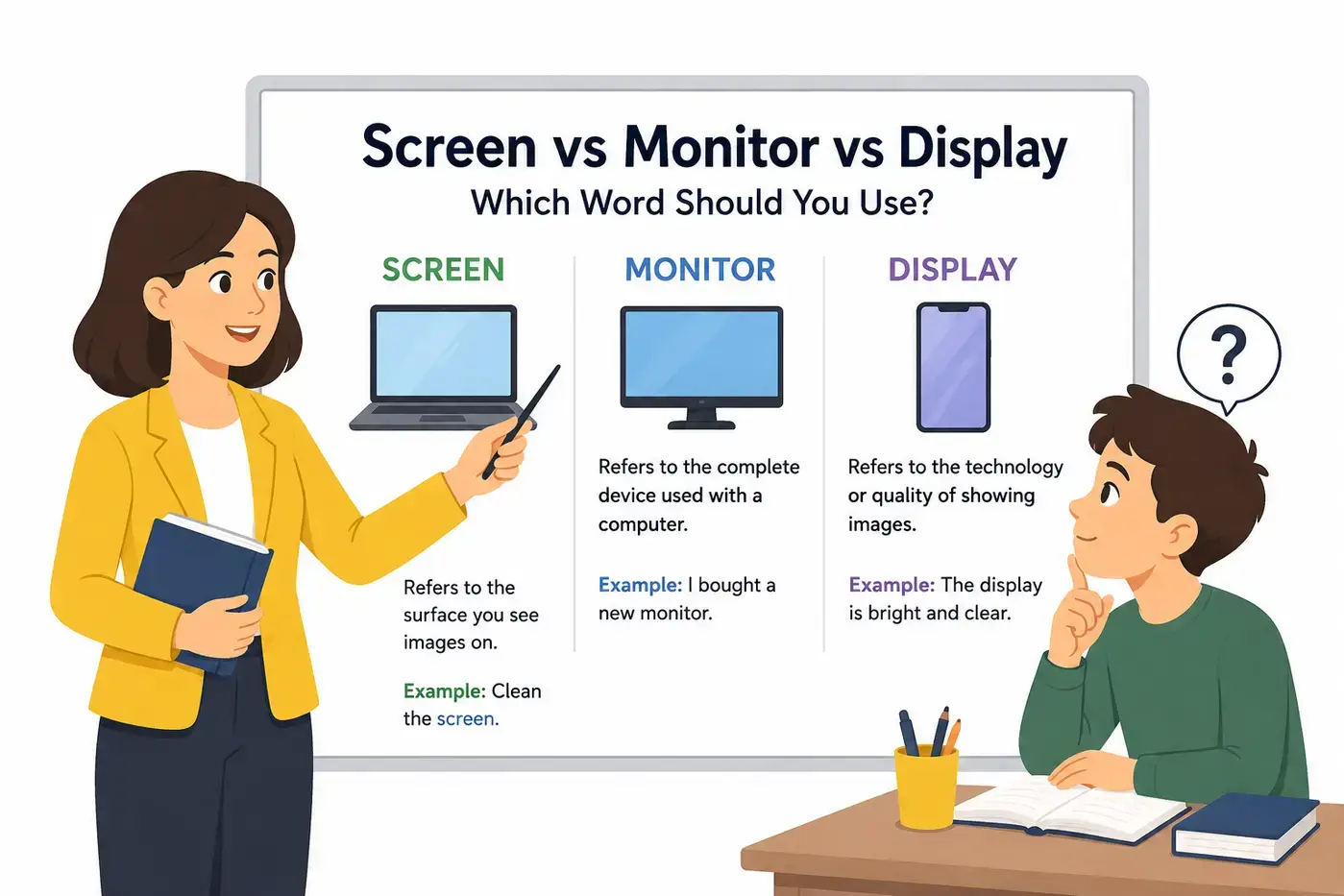
Screen vs Monitor vs Display is a common word comparison in technology, everyday conversation, and professional writing. Although these words are closely related, they are not always synonyms. Using the right one makes your communication clearer, especially when discussing computers, televisions, smartphones, projectors, and other electronic devices.
Many people casually call every visual device a screen, while others refer to it as a monitor or display. In reality, each word has its own meaning, preferred contexts, and level of precision. Understanding those differences helps you write more accurately, speak more confidently, and avoid misunderstandings.
This guide explains the meaning of each word, pronunciation, grammar, origins, technical usage, professional writing tips, common mistakes, memory tricks, and real-life examples. By the end, you will know exactly when to use screen, monitor, or display.
Short Answer
All three words can be correct, but they are not always interchangeable.
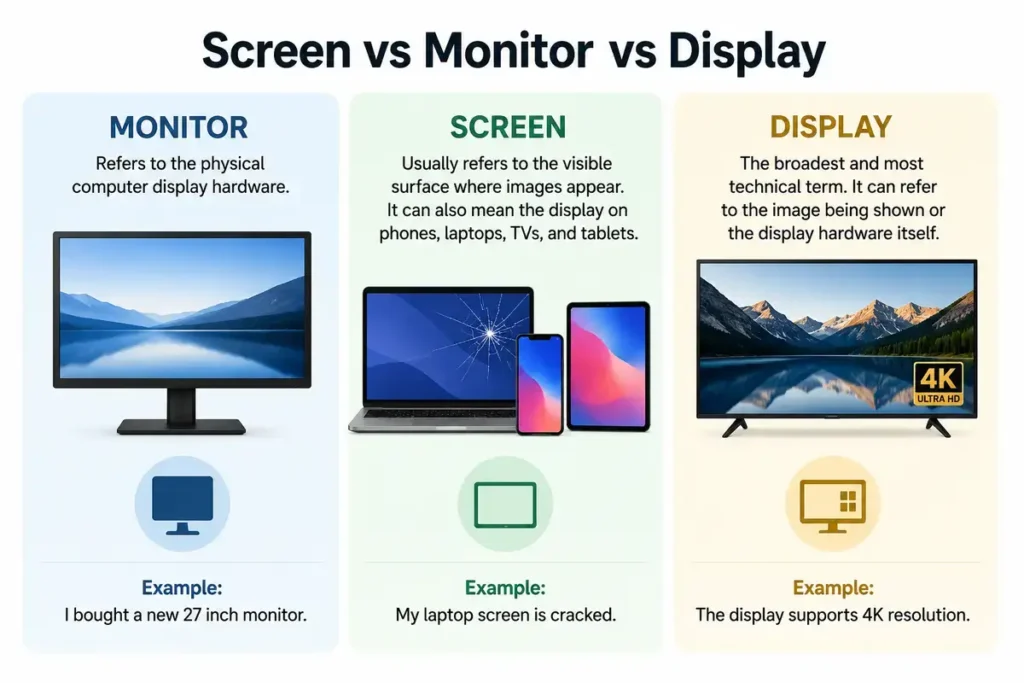
- Monitor refers to the physical computer display hardware.
Example: I bought a new 27 inch monitor. - Screen usually refers to the visible surface where images appear. It can also mean the display on phones, laptops, TVs, and tablets.
Example: My laptop screen is cracked. - Display is the broadest and most technical term. It can refer to the image being shown or the display hardware itself.
Example: The display supports 4K resolution.
Quick rule: Use monitor for desktop computer hardware, screen for the viewing surface in everyday conversation, and display when speaking in technical or general terms.
Table of Contents
- What Is the Difference Between Screen Monitor and Display
- Comparison Table
- What Does Screen Mean
- What Does Monitor Mean
- What Does Display Mean
- Pronunciation Guide
- Parts of Speech
- Word Origins
- When to Use Screen
- When to Use Monitor
- When to Use Display
- Technology Usage
- Real Life Examples
- Common Mistakes
- Memory Tips
- Related Grammar Notes
- Frequently Asked Questions
- Key Takeaways
- Conclusion
The Difference Between Screen Monitor and Display
The difference is easier than many people think.
A screen is usually the flat surface that you look at.
A monitor is the complete hardware device that displays images from a computer.
A display is the broadest term. It refers to any system or technology that presents visual information, including computer monitors, phone screens, televisions, smartwatches, digital signs, projectors, and even dashboard panels.
In everyday English, people often use these words interchangeably. In technical writing, however, choosing the correct term improves accuracy.
Comparison Table
| Feature | Screen | Monitor | Display |
|---|---|---|---|
| Main meaning | Visible viewing surface | Complete output device | General visual output system |
| Part of speech | Noun | Noun | Noun and verb |
| Technical precision | Medium | High | Very high |
| Common context | Phones, TVs, laptops | Desktop computers | All electronic devices |
| Includes electronics | Usually no | Yes | Sometimes |
| Everyday usage | Very common | Common | Common |
| Professional usage | Common | Very common | Extremely common |
| Can describe software output | Rarely | Sometimes | Yes |
What Does Screen Mean
A screen is the surface where images, text, videos, or graphics appear. It does not necessarily describe the electronics behind the image. Instead, it focuses on the part that people actually look at.
Definition
The flat viewing surface that presents visual content.
Everyday Examples
- My phone screen cracked after I dropped it.
Explanation: The sentence refers only to the glass viewing surface.
- Please clean your laptop screen.
Clarification: Wipe the screen, not the internal components.
- The movie appeared on a giant screen.
Explanation: Here, the word refers to the projection surface in a theater.
Common Things That Have Screens
- Smartphones.
- Tablets.
- Laptops.
- Movie theaters.
- ATM machines.
- Self service kiosks.
- Smartwatches.
- E readers.
- Car dashboards.
- Gaming devices.
What Does Monitor Mean
A monitor is a complete electronic device that displays images produced by a computer or another source. Unlike screen, monitor refers to the entire piece of hardware, including the display panel, electronics, ports, stand, and outer casing.
Definition
An electronic output device that presents visual information from another device.
Examples
- I bought a new computer monitor for my office.
Explanation: The sentence refers to the entire hardware device.
- The monitor supports a four thousand pixel resolution.
Clarification: The specifications apply to the entire device, not just the screen.
- She connected two monitors to her desktop computer.
Explanation: The complete displays are connected as hardware.
What Does Display Mean
A display is the broadest and most flexible term. It can describe a physical screen, the technology that creates images, or the process of showing information.
Definition as a Noun
A device or surface that shows information visually.
Definition as a Verb
To show or present something so people can see it.
Examples
- The phone has a bright OLED display.
Explanation: The sentence refers to the display technology.
- The dashboard display showed a warning message.
Clarification: The system presents information visually.
- The museum displayed ancient artifacts.
Explanation: Here, display is a verb meaning to present or exhibit.
Pronunciation Guide
Correct pronunciation helps distinguish these common technology terms.
| Word | IPA | Simple Pronunciation |
|---|---|---|
| Screen | /skriːn/ | Skreen |
| Monitor | /ˈmɒnɪtər/ or /ˈmɑːnɪtər/ | Mon ih ter |
| Display | /dɪˈspleɪ/ | Dis play |
These pronunciations remain consistent across most American English contexts.
Parts of Speech
Understanding grammar makes these words much easier to use correctly.
| Word | Part of Speech | Example |
|---|---|---|
| Screen | Noun and verb | The screen is bright. |
| Monitor | Noun and verb | They monitor the system daily. |
| Display | Noun and verb | The display looks sharp. |
Notice that monitor and display both function as verbs with meanings unrelated to computer hardware.
Screen as a Verb
As a verb, screen means to examine, protect, separate, or show a film.
Example:
The company screens job applicants carefully.
This meaning is completely different from the electronic device.
Monitor as a Verb
As a verb, monitor means to observe, track, or supervise.
Example:
Doctors monitor the patient’s heart rate continuously.
Display as a Verb
As a verb, display means to show something publicly.
Example:
The gallery displays local artwork every month.
Word Origins
Learning the history of these words helps explain their modern meanings.
Origin of Screen
The word screen comes from Old French and Germanic roots meaning a shield or protective barrier. Over time, the meaning expanded to include any surface used for projection or visual viewing.
Origin of Monitor
The word monitor comes from the Latin word monere, meaning to warn or to remind. It originally described someone or something that observes or advises before becoming the name of a computer output device.
Origin of Display
Display developed from Old French and later Middle English, where it meant to unfold, spread out, or exhibit. Today it refers to showing information, objects, or digital images.
When to Use Screen
Choose screen when discussing the viewing surface instead of the entire electronic device.
Appropriate Situations
- Talking about cracked glass.
- Cleaning devices.
- Touch interaction.
- Movie projection.
- Phone viewing.
- Tablet viewing.
- Laptop viewing.
- Television viewing.
Examples
- The tablet screen is covered with fingerprints.
Explanation: The visible surface needs cleaning.
- My phone screen became brighter after the update.
Clarification: The user is describing the visible image.
- The classroom projector filled the entire screen.
Explanation: The word refers to the projection surface.
When to Use Monitor
Use monitor when referring to the complete computer display hardware.
Appropriate Situations
- Buying computer equipment.
- Comparing hardware specifications.
- Connecting desktop computers.
- Gaming setups.
- Office workstations.
- Graphic design.
- Programming.
- Video editing.
Examples
- The new monitor has excellent color accuracy.
Explanation: Color accuracy is a feature of the hardware.
- She mounted two monitors on adjustable arms.
Explanation:The sentence applies to the entire device.
- My monitor includes several USB ports.
Explanation: Ports belong to the hardware, not simply the viewing surface.
When to Use Display
Use display when speaking generally about visual output or the technology that produces images.
Appropriate Situations
- Product specifications.
- Smartphones.
- Smartwatches.
- Vehicle dashboards.
- Medical equipment.
- Televisions.
- Projectors.
- Industrial control systems.
Examples
- The smartwatch features a bright AMOLED display.
Explanation: The sentence emphasizes the display technology.
- The digital display showed the room temperature.
Clarification: The device displays content visually.
- The engineer tested the display before shipping the product.
Explanation: The general term fits many kinds of visual devices.
Can Screen Monitor and Display Replace Each Other
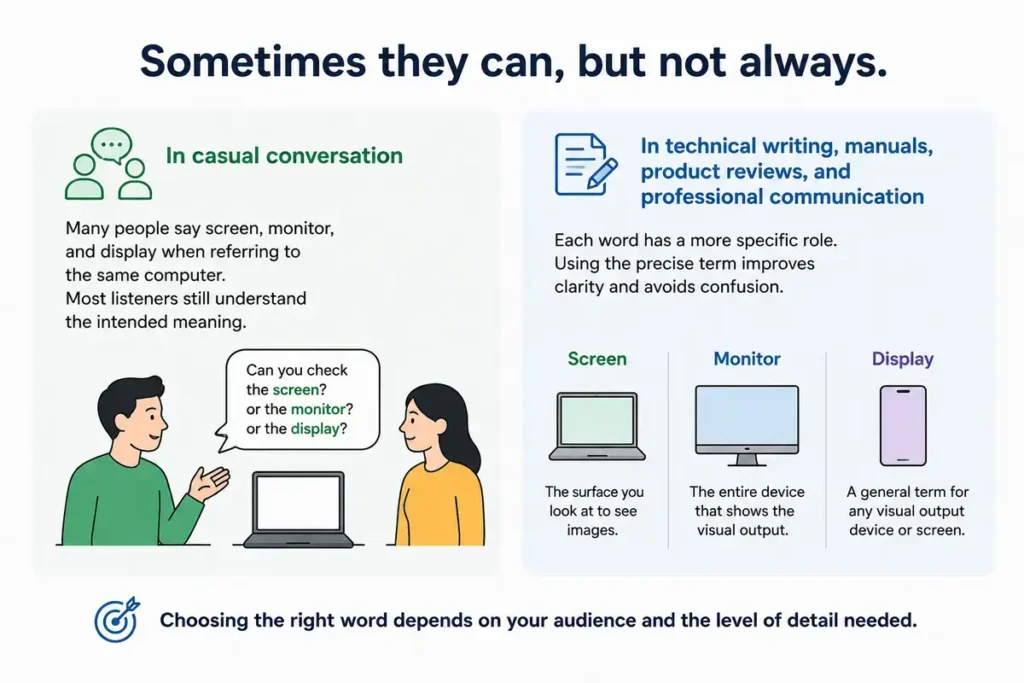
Sometimes they can, but not always.
In casual conversation, many people say screen, monitor, and display when referring to the same computer. Most listeners still understand the intended meaning.
In technical writing, manuals, product reviews, and professional communication, each word has a more specific role. Using the precise term improves clarity and avoids confusion.
For example:
Correct:
The monitor has a twenty seven inch display with an anti glare screen.
In this sentence:
- Monitor refers to the complete hardware.
- Display refers to the image producing system.
- Screen refers to the visible viewing surface.
Although all three words describe related parts of the same product, each serves a different purpose.
Screen vs Monitor vs Display in Different Devices
The meaning of these words changes slightly depending on the device you are describing. Understanding the context helps you choose the most accurate term.
Smartphones
Most people say screen when talking about a phone.
Examples:
- My phone screen is cracked.
Explanation: The sentence refers to the visible surface.
- The phone has a bright OLED display.
Explanation: This emphasizes the display technology.
Although some product specifications use display, everyday conversation usually favors screen.
Desktop Computers
With desktop computers, monitor is usually the preferred term.
Examples:
- I replaced my old monitor with a larger one.
Explanation: The speaker means the complete hardware device.
- This monitor supports a high refresh rate.
Explanation: The specification belongs to the hardware.
Laptops
Laptop users often use both screen and display.
Examples:
- The laptop screen reflects too much sunlight.
Explanation: The focus is on the viewing surface.
- The laptop features a high resolution display.
Explanation: The focus is on the display technology.
Televisions
For televisions, people commonly say screen or display.
Examples:
- The television screen is easy to see from across the room.
- The television uses a modern OLED display.
Smartwatches
Technical documents usually prefer display.
Examples:
- The smartwatch has an always on display.
- The display remains visible even in bright sunlight.
Projectors
A projector creates an image on a screen rather than being a screen itself.
Example:
The projector displayed the presentation on a large screen.
Explanation: The projector is the device, while the screen is the surface receiving the image.
Screen vs Monitor vs Display in Technology
Technology professionals often choose these words carefully because each has a different meaning.
| Situation | Best Word | Reason |
|---|---|---|
| Desktop hardware | Monitor | Refers to the complete device |
| Phone glass | Screen | Refers to the visible surface |
| Display technology | Display | Refers to the image system |
| Product specifications | Display | Covers technical features |
| Cleaning fingerprints | Screen | Only the surface is cleaned |
| Buying computer hardware | Monitor | Refers to the physical product |
Real Life Examples
The following examples show how native English speakers naturally use these words.
Screen Examples
The tablet screen became easier to read after increasing the brightness.
Explanation: The sentence focuses on the viewing surface.
Her laptop screen cracked during the flight.
Explanation: Only the visible panel is damaged.
Please wipe the screen before the meeting begins.
Explanation: The user is cleaning the visible surface.
Monitor Examples
The designer uses two monitors while editing videos.
Explanation: The sentence refers to complete computer displays.
This monitor offers excellent color accuracy for photographers.
Explanation: Hardware quality is being discussed.
Our office replaced every monitor last year.
Explanation: Entire devices were replaced.
Display Examples
The phone features a six point seven inch OLED display.
Explanation: The emphasis is on the display technology.
The dashboard display warned the driver about low tire pressure.
Explanation: The system presents information visually.
The calculator display became difficult to read in bright sunlight.
Explanation: The word refers to the information shown by the device.
Common Mistakes
Many people use these words interchangeably. While that is acceptable in casual conversation, it can reduce accuracy in professional writing.
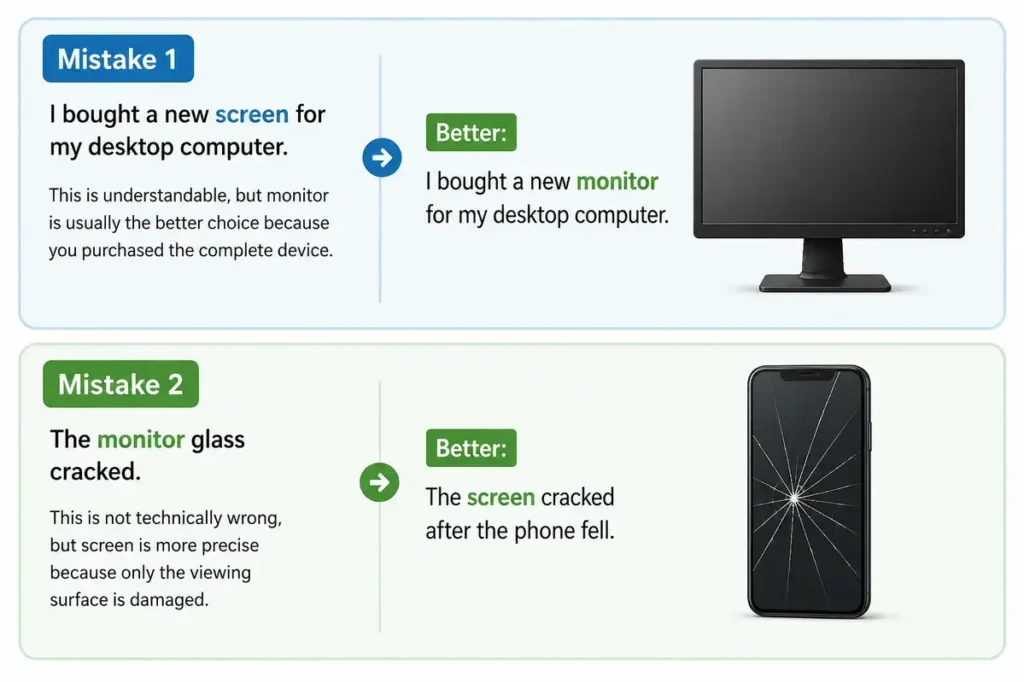
Mistake 1
I bought a new screen for my desktop computer.
This is understandable, but monitor is usually the better choice because you purchased the complete device.
Better:
I bought a new monitor for my desktop computer.
Mistake 2
The monitor glass cracked.
This is not technically wrong, but screen is more precise because only the viewing surface is damaged.
Better:
The screen cracked after the phone fell.
Mistake 3
Calling every visual device a monitor.
Not every display device is a monitor.
A smartwatch has a display.
A phone has a screen.
A desktop computer usually uses a monitor.
Mistake 4
Using display only for expensive electronics.
Display works for simple digital devices as well.
Examples include:
- Digital clocks.
- Calculators.
- Thermostats.
- Medical equipment.
- Fuel pumps.
Mistake 5
Thinking the three words always mean exactly the same thing. In everyday conversation they often overlap. In technical writing they have distinct meanings.
Memory Tips
Simple memory tricks can help you remember the differences.
Memory Trick 1
Screen equals surface.
If you can touch it, it is usually the screen.
Memory Trick 2
Monitor equals machine.
Think of the complete desktop device sitting on a desk.
Memory Trick 3
Display equals information.
Anything that visually presents information has a display.
Memory Trick 4
Ask yourself one question.
Am I talking about the hardware, the surface, or the visual output?
Hardware equals monitor.
Surface equals screen.
Visual output equals display.
Related Grammar and Usage Notes
These three words are nouns in technology, but two of them also function as verbs.
Screen as a Verb
Examples:
The company screens every job applicant.
Security officers screened every passenger.
In these examples, screen means to examine or check.
Monitor as a Verb
Examples:
Doctors monitor the patient’s breathing.
The software monitors system performance.
The verb means to observe continuously.
Display as a Verb
Examples:
The museum displays rare paintings.
The website displays today’s weather forecast.
The verb means to show or present.
Similar Words
Several related words appear in technology writing.
| Word | Meaning |
|---|---|
| Panel | The physical display component |
| Interface | The visual system users interact with |
| Dashboard | Information display area |
| Touchscreen | A screen that accepts touch input |
| Viewport | The visible viewing area in software |
| Console | A control interface with one or more displays |
Although related, these words are not direct substitutes for screen, monitor, or display.
Related Expressions
You may also encounter these common phrases.
Screen Resolution
The number of pixels shown on a screen.
Monitor Stand
The support that holds a monitor upright.
Display Technology
The method used to produce images, such as LCD, LED, OLED, Mini LED, or MicroLED.
Display Settings
Software controls that adjust brightness, scaling, orientation, color, and resolution.
Screen Time
The amount of time spent looking at electronic screens.
Dual Monitor Setup
A computer connected to two monitors at the same time.
American and British English
The meanings of these words remain almost identical in American and British English. The biggest difference is preference rather than definition.
American English
People commonly say:
- Computer monitor.
- Phone screen.
- Display settings.
British English
The same expressions are widely understood and commonly used. There are no spelling differences for these three words.
Formal and Informal Usage
Screen
Very common in everyday speech.
Suitable in both casual and professional writing.
Monitor
Preferred in technical documents, product reviews, manuals, and workplace communication.
Display
Common in engineering, marketing, product specifications, and electronics documentation.
Professional Writing Tips
Choosing the correct word makes technical writing clearer and more accurate.
Use screen when referring to the visible surface that people see or touch.
Choose monitor when talking about the complete desktop display device, particularly in hardware and PC setup contexts.
Use display when talking about image technology, specifications, digital interfaces, or any system that presents visual information. It is the broadest and most flexible term, making it ideal for product documentation and technical articles.
Using these distinctions consistently helps readers understand exactly what you mean while making your writing sound more precise and professional.
Exceptions and Special Cases
Although the differences between Screen vs Monitor vs Display are usually clear, there are situations where the terms overlap.
Marketing Language
Manufacturers often choose words based on marketing rather than strict technical definitions.
For example, a laptop advertisement may say:
Features a stunning 15.6 inch display.
Another company may describe the same product as having:
A vibrant 15.6 inch screen.
Both are correct because they emphasize different aspects of the same product.
Product Specifications
Technical specifications almost always prefer display because it covers image quality, resolution, brightness, color accuracy, refresh rate, and display technology.
Example:
Display: 6.7 inch AMOLED, 120 Hz refresh rate.
Computer Hardware
When purchasing accessories for a desktop computer, monitor is the most accurate word.
Example:
This monitor supports HDR and USB C connectivity.
Touch Devices
For smartphones and tablets, screen is the most common everyday choice.
Example:
The screen responds quickly to touch.
Television Reviews
Professional reviewers often use all three words in the same article.
Example:
The monitor includes a high quality display behind a durable anti glare screen.
Each word highlights a different aspect of the product.
People Also Ask
Is a screen the same as a monitor?
Not exactly.
A screen is usually the visible surface that displays images. A monitor is the complete hardware device that includes the screen, internal electronics, ports, stand, and casing.
Is a display the same as a screen?
Sometimes.
In everyday conversation, many people use the words interchangeably. Technically, display is the broader term because it refers to the entire visual output system, while screen usually refers only to the visible viewing surface.
Why do product specifications use the word display?
Manufacturers use display because it accurately describes image technologies such as LCD, LED, OLED, Mini LED, and MicroLED along with specifications like resolution, brightness, contrast ratio, and refresh rate.
Why do people call every computer screen a monitor?
Desktop computers traditionally used separate output devices called monitors. Over time, many speakers began using monitor to refer to the whole device, even though the visible part is technically the screen.
Key Takeaways
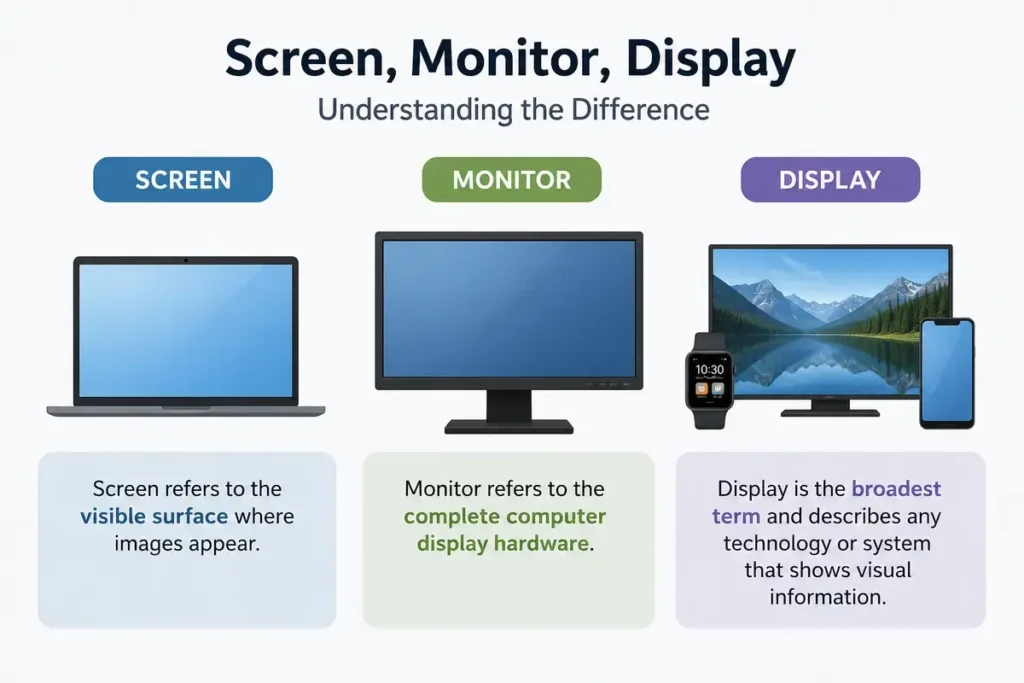
- Screen refers to the visible surface where images appear.
- Monitor refers to the complete computer display hardware.
- Display is the broadest term and describes any technology or system that shows visual information.
- In everyday conversation, the three words often overlap.
- In technical writing, each word has a more precise meaning.
- Smartphones commonly have screens.
- Desktop computers commonly use monitors.
- Product specifications usually discuss the display.
- Monitor and display can also be verbs with different meanings from their technology definitions.
- Choosing the correct word makes technical writing clearer and more professional.
Frequently Asked Questions
What is the difference between Screen vs Monitor vs Display?
A screen is the visible viewing surface. A monitor is the complete computer output device. A display is the general term for any technology or system that presents visual information.
Which word is correct for a laptop?
All three words can be correct depending on the context.
Use screen when referring to the viewing surface.
Display is the preferred term when talking about image quality, resolution, or screen technology.
Use monitor only if the laptop is connected to an external desktop monitor.
Is a phone screen a display?
Yes.
A smartphone screen is also a display. In everyday conversation, screen is more common, while product specifications usually use display.
Why is a desktop display called a monitor?
The term monitor became the standard name for the computer output device because it continuously displays information generated by the computer.
Can I use screen instead of monitor?
In casual conversation, yes.
In technical writing, monitor is more accurate when referring to the complete desktop hardware.
Which word appears most often in product specifications?
Display is the preferred term because it covers both the physical viewing area and the image technology.
Are screen, monitor, and display synonyms?
They are partial synonyms. They often refer to related concepts but have different meanings depending on the context.
Which word is best for technical writing?
Choose the word that matches your meaning.
Use screen for the visible surface.
Monitor is the correct term for the full computer display hardware.
Use display for visual output systems and technical specifications.
Is there a difference between American and British English?
No significant difference exists. Both American and British English use screen, monitor, and display with the same meanings and spellings.
What is the easiest way to remember the difference?
Remember this simple rule:
Screen equals surface.
Monitor equals hardware.
Display equals visual output.
Conclusion
Understanding Screen vs Monitor vs Display helps you communicate more accurately in both everyday conversations and technical writing. While the three words are closely related and often overlap in casual speech, each has a distinct meaning. A screen is the visible surface you look at or touch. A monitor is the complete computer display device. A display is the broadest term, covering any technology or system that presents visual information.
Choosing the right word depends on the context. If you are describing a cracked phone surface, screen is the best choice. For desktop hardware, monitor is the correct and most specific term.. If you are talking about image quality, resolution, brightness, or display technology, display is usually the correct option. Keeping these distinctions in mind will make your writing clearer, more professional, and easier for readers to understand.

Confusing Words, Spelling & Word Choice
Claire Whitmore is a U.S.-based English editor who writes about commonly confused words, spelling differences, and word choice. Her work helps readers understand subtle distinctions between similar-looking words through simple definitions, practical examples, and modern usage guidance in both American and British English.